
Resetting Your Remoly Password: A Quick Guide for Forgot Password Situations
If you find yourself locked out of your Remoly account due to a forgotten password, worry not! Follow these simple steps to regain access and set a new password securely.
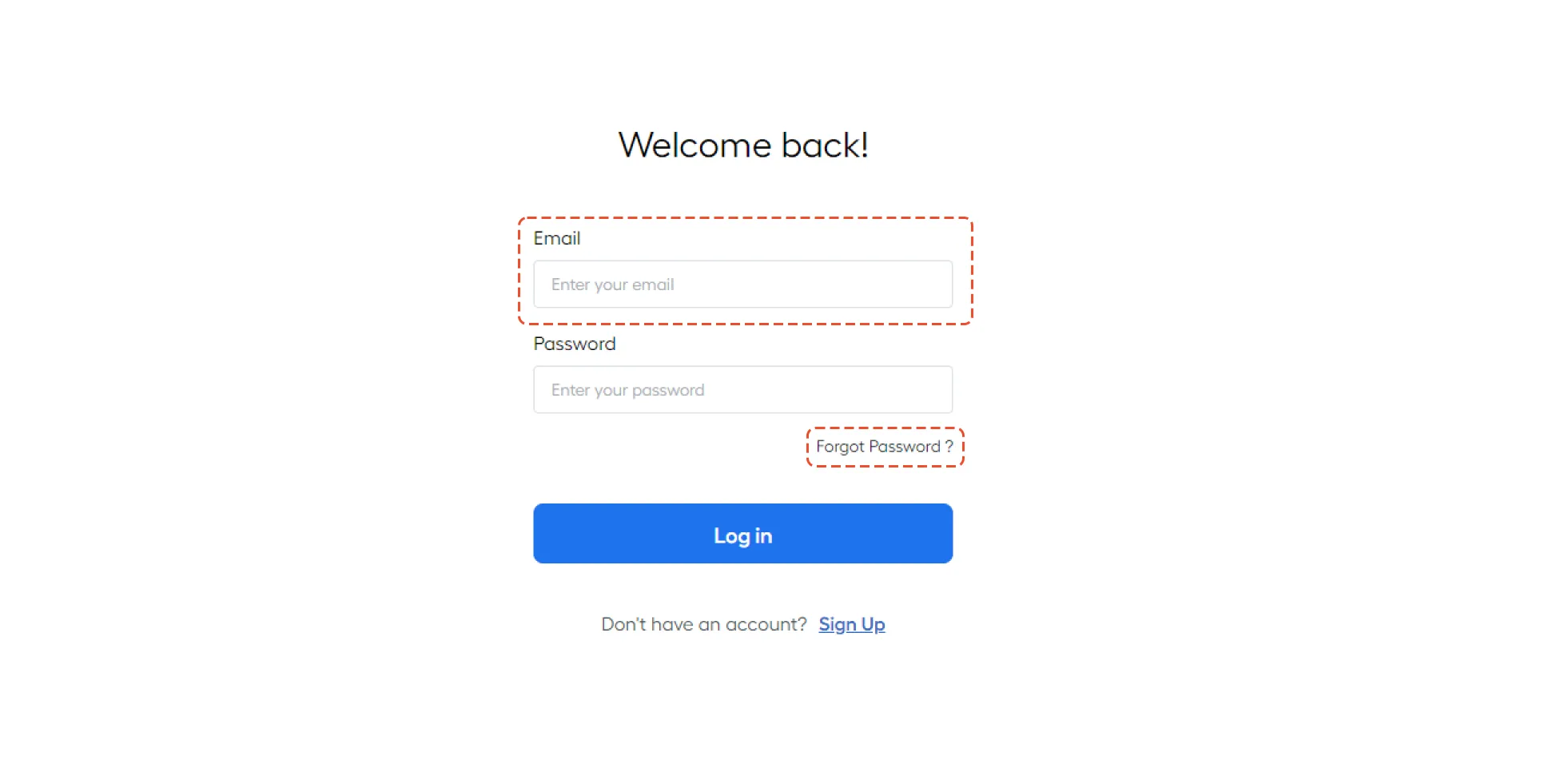
Step 1: Enter Your Email
Initiate the password recovery process by entering the email associated with your Remoly account. This is the first step to regain control of your account.
Step 2: Click on "Forgot Password"
Navigate to the "Forgot Password" option and click to proceed with the password reset. Follow the prompts to verify your identity and move on to the next steps.
Remember! When setting a new password, ensure it meets the specified requirements for security purposes.
Don't let a forgotten password hinder your Remoly experience. Follow these steps, adhere to the password requirements, and regain control of your account effortlessly. Reset your Remoly password today for a more secure and stress-free remote work experience.
Streamline Your Global Talent Management
Secure account access is just the beginning. With Remoly's EOR platform, you get compliant payroll, local expertise, and hassle-free global expansion — all from one dashboard.
Explore Remoly's Solutions →Sources & References:
- Remoly Official Website — remoly.net
- Remoly Help Center — Contact Support
Remoly — Your Global Employment Partner
EOR • Payroll • Compliance • Global Expansion
Related Articles




Easy to start,
intuitive to use
