Checking Your Team's Status


Checking Your Team's Status
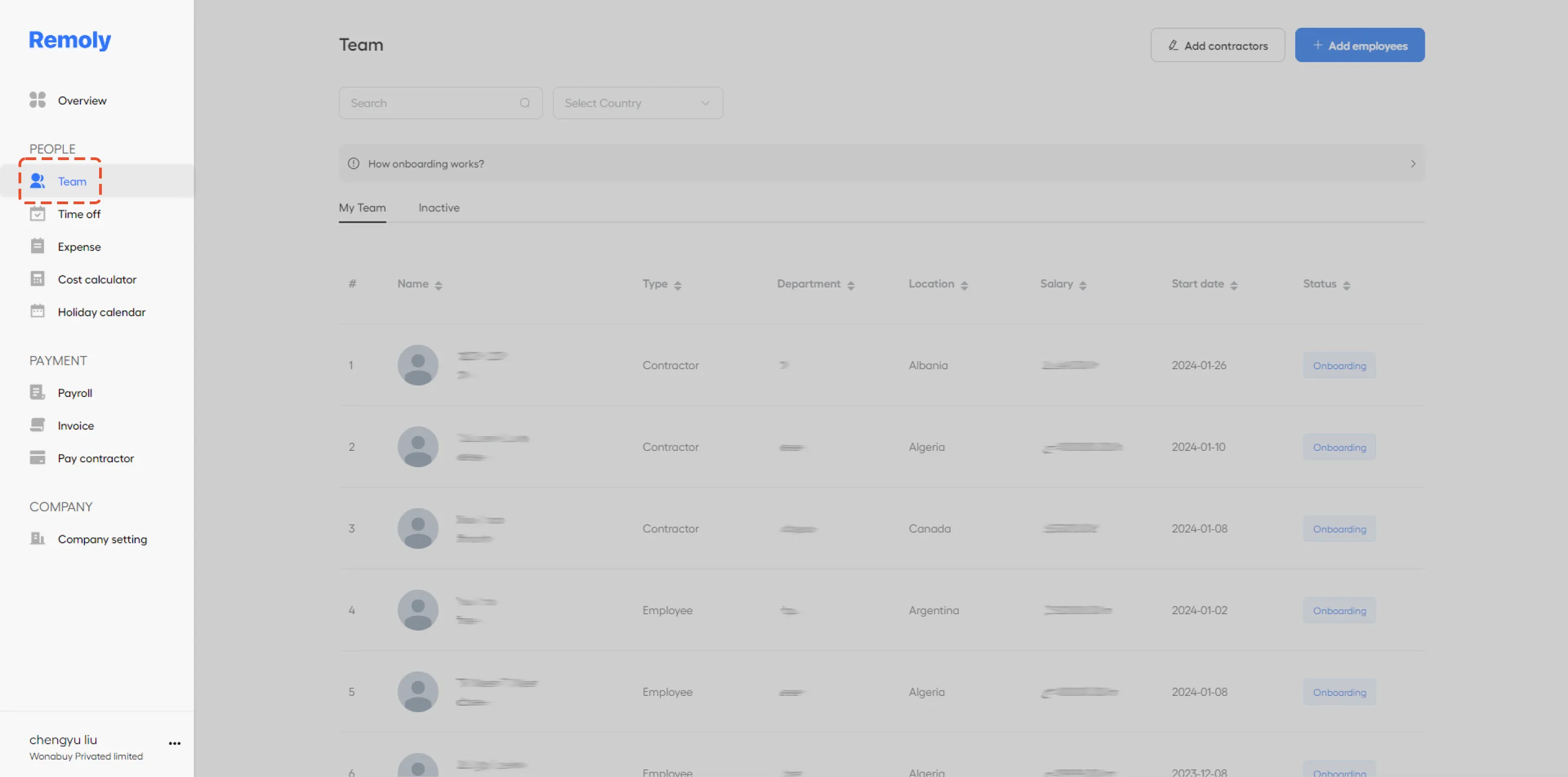
Navigate to the 'Team' Section
Begin by accessing the 'Team' section within the Remoly platform. This is where you can manage and view the status of all your team members.
Identify Team Member Status
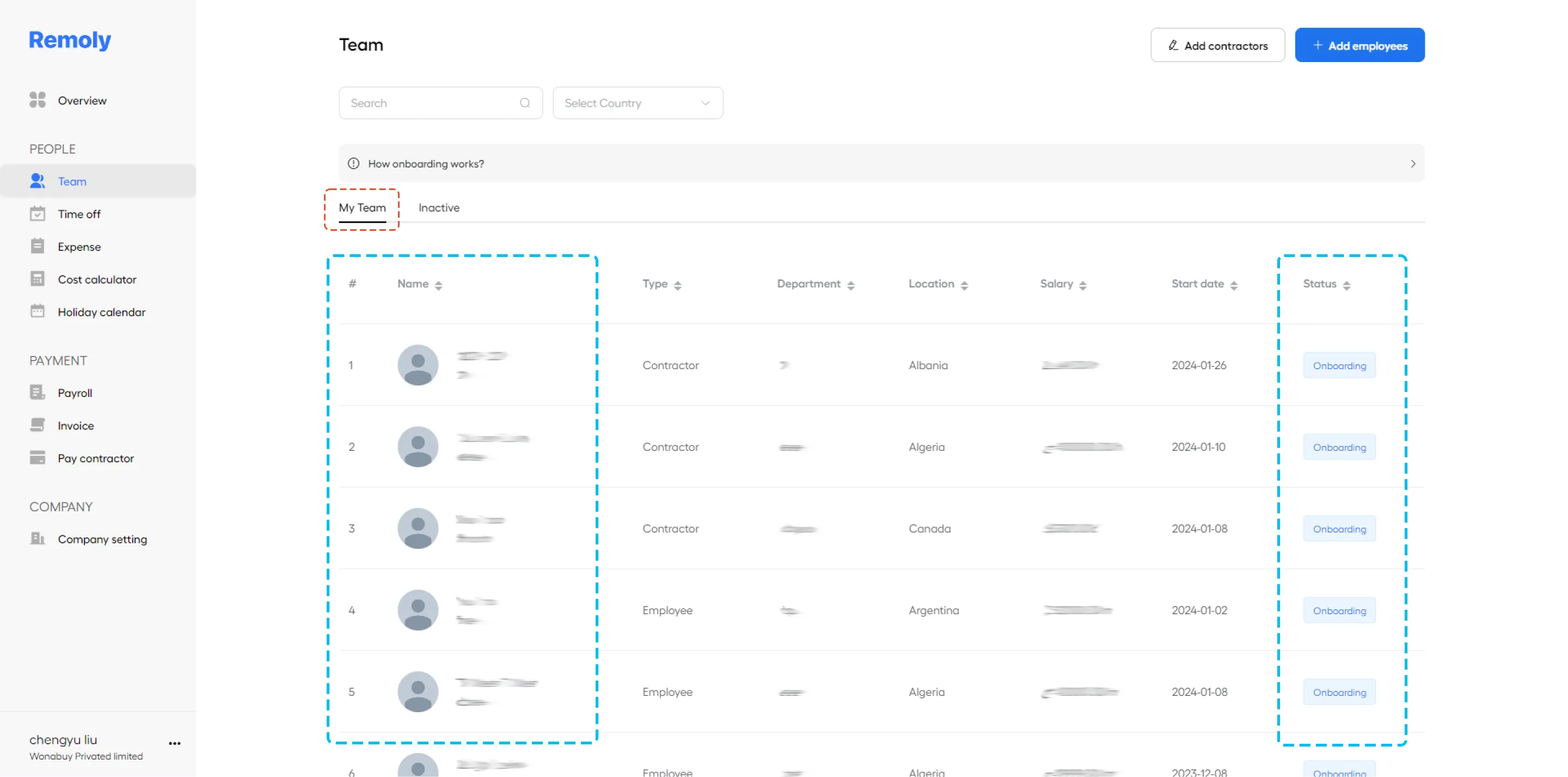
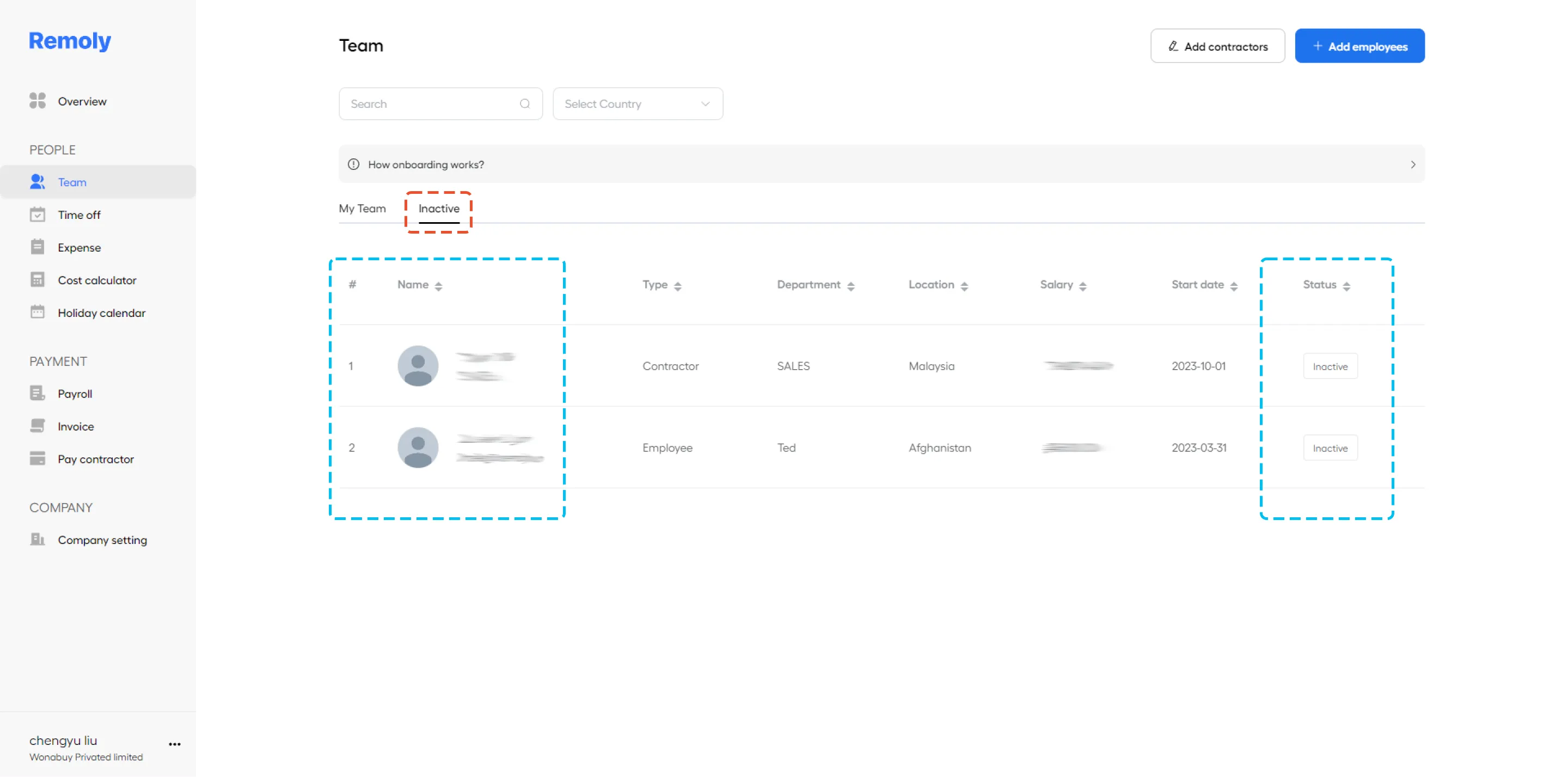
Once you're in the 'Team' section, you'll be able to see the status of each member, categorized as either active, onboarding, or inactive. To streamline your view:
- My Team Tab:
This tab shows a list of team members who are currently active or in the onboarding process.
- Inactive Tab:
This tab displays individuals who are no longer part of your team.
Use the Search Box for Quick Access
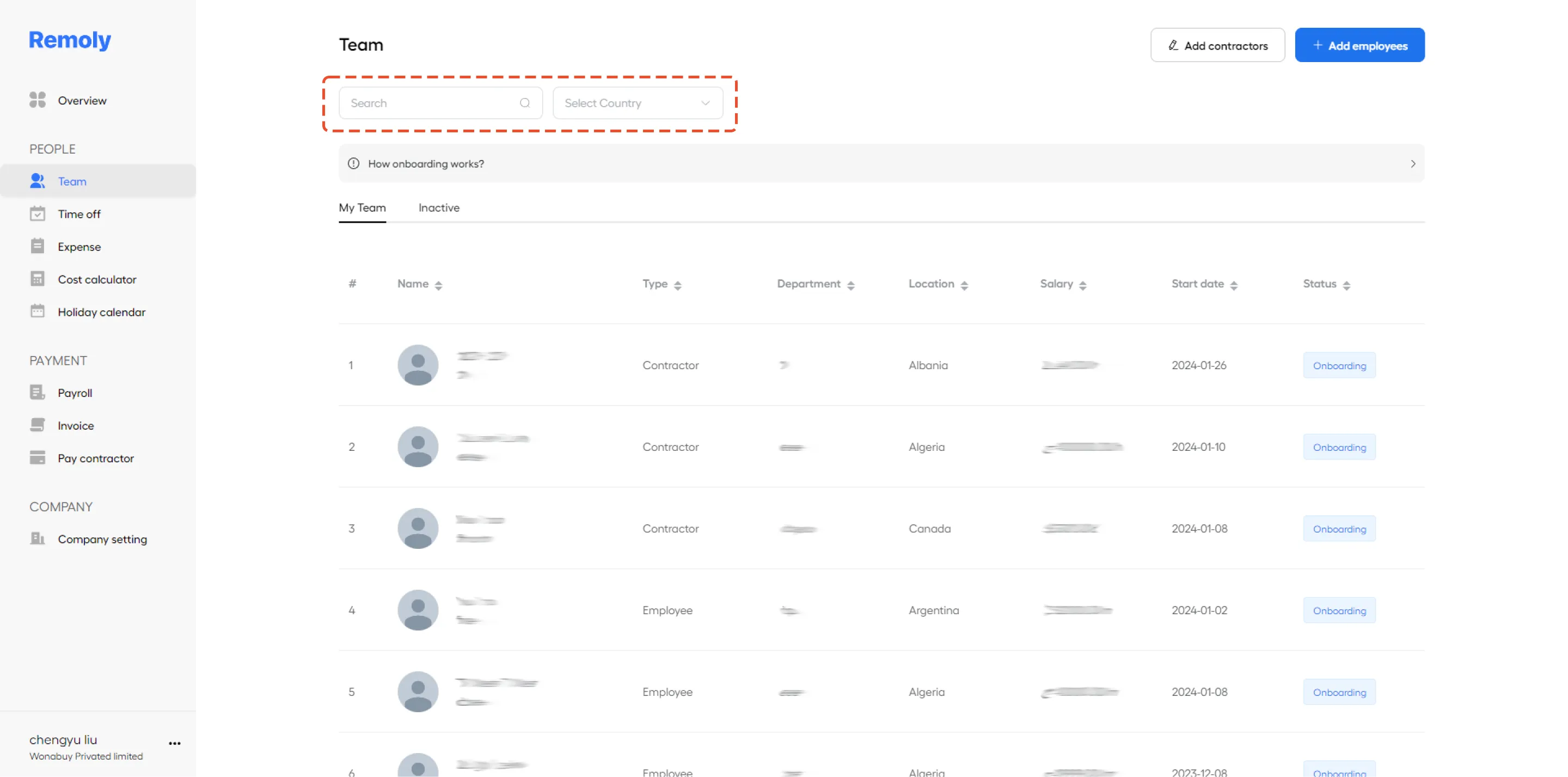
To quickly locate a specific team member, use the search box. Instead of scrolling through the list, simply enter the member's name. This will instantly bring up their current status, saving you time and effort.
By following these steps, you can efficiently monitor and manage your team's status within Remoly, ensuring you stay organized and up-to-date.
|
Stay Connected with Your Global Workforce Knowing your team's status at a glance is crucial for productivity. Remoly provides real-time visibility into your team's availability, workload, and engagement across borders. See How Remoly Helps Teams |
Sources:
Remoly — Your Global EOR & Employer of Record Partner
Serving 100+ Countries & Regions Worldwide
* This article is for informational purposes only and does not constitute legal advice. For specific compliance guidance, consult a qualified professional.
Related Articles

Easy to start,
intuitive to use
